
Audits & Meetings Overview
Expand the OHS node, navigate to the Audits & Meetings sub-node and then to the required location (as described in Navigation).
This will display a pane on the right with all the information associated with the selected location.
Note that the structure here is the same as the OHS Locations structure, and this can be expanded in the same way as OHS > Locations.
The Audits & Meetings window allows you to view existing audits and meetings, or add a new audit or meeting to the location where it is found.
If there are existing Audits & Meetings entries and you wish to view one of them, simply double click on the entry in the right hand pane.
This will open a secondary Audits & Meetings window with all the details for the entry you selected.
Audits & Meetings Window
If you wish to add an audit or meeting to a location you will need to find the location in the tree structure to add the details.
Click on Add New to open the Audits & Meetings window:
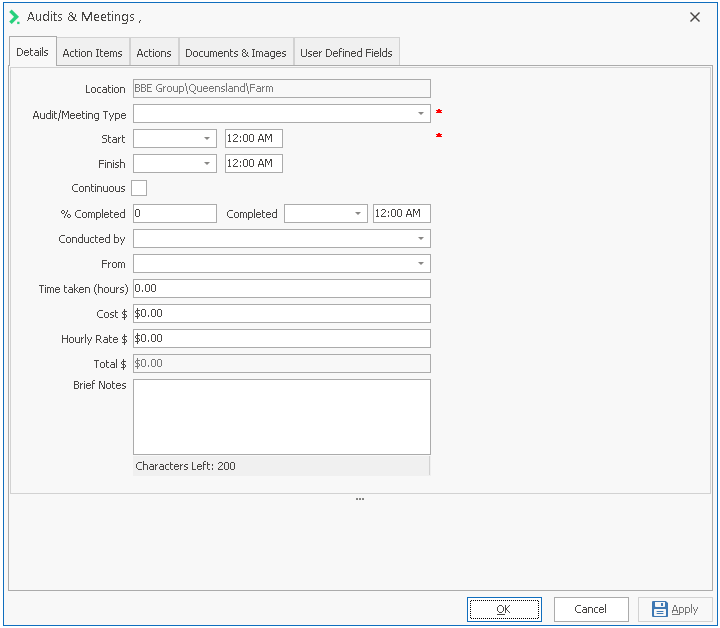
See Audits & Meetings Window - Tabs for a description of the fields on this screen.
Back to Introduction to OHS